
F&B POS Systems in Singapore: Features That Matter (2026)
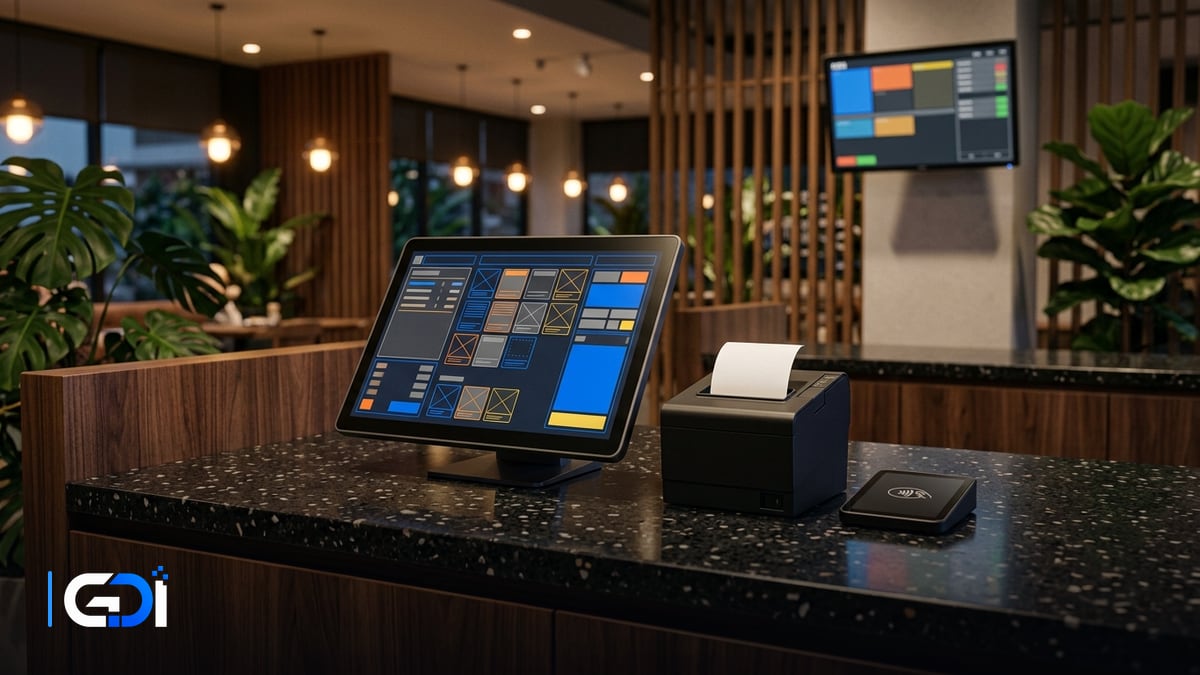
An F&B POS system in Singapore has to do more than take payment: it routes orders to the kitchen, handles modifiers and split bills, accepts PayNow and cards, and gives you sales and stock numbers you can trust. The right choice depends on your service style, from counter and QR ordering to table service and multiple outlets.
General guidance as at 21 October 2026. It is not tax advice.
Which POS features matter most for F&B?
Prioritise speed at the counter and accuracy in the kitchen; reporting and loyalty come next.
| Feature | Why it matters | Ask the vendor |
|---|---|---|
| Fast order entry with modifiers | “Less ice, no onion” must reach the kitchen correctly | How many taps for a common modified order? |
| Kitchen display or printer routing | Drinks to the bar, mains to the kitchen, automatically | Can items route to different stations? |
| Tables, split bills and transfers | Daily reality for dine-in service | Can one bill split by item and by amount? |
| QR ordering | Fewer queues, fewer order errors | Do QR orders land in the same kitchen flow? |
| Payments | PayNow, cards and e-wallets at the counter | Which payment terminals and fees apply? |
| Delivery platform orders | Avoid re-keying orders from tablets | Which platforms integrate, and at what cost? |
| Recipe-level stock | Know what each dish really costs | Can stock deduct by recipe, not just by item? |
| Reports | Sales by item, hour and staff | Can you export the raw data? |
How does GST InvoiceNow affect an F&B POS?
If you are GST-registered, your sales data will eventually have to reach IRAS through an InvoiceNow-Ready Solution, and your POS is where that data starts. IRAS’s GST InvoiceNow Requirement page says “All GST-registered businesses must submit invoice data to IRAS using InvoiceNow-Ready Solutions” and that this “will be rolled out in phases”. For POS-heavy businesses, IRAS also notes that “Businesses may aggregate supplies data from point-of-sale systems, supplies where simplified tax invoices are issued, and petty cash purchases data before submitting to IRAS.”
The phases on that page run from 1 November 2025 for some newly registered companies, through existing GST-registered businesses by turnover band from 1 April 2028 to 1 April 2031. Check which date applies to you, then ask your POS and accounting vendors how daily sales will flow into your accounting software and onwards.
Single outlet or chain: what changes?
A single outlet needs speed and simplicity; a chain needs one menu, central reporting and stock that moves between outlets. When you add outlets, look for:
- one menu and price list managed centrally, with outlet-specific exceptions;
- sales and stock reports per outlet and combined;
- transfers between a central kitchen or warehouse and outlets;
- staff roles and permissions that follow the person, not the terminal.
How do you choose and set up an F&B POS?
- Write down your service flow: counter, QR, table service, delivery, or a mix.
- Shortlist two or three established F&B POS products and test each with your real menu and modifiers.
- Check payments, delivery integrations and offline behaviour in a trial, not a demo.
- Confirm data export, and how sales reach your accounting software for GST.
- Plan the hardware and network: terminals, printers, kitchen screens, cash drawer, and a reliable connection.
How GDI Solutions helps F&B businesses
We supply and install POS terminals, receipt and kitchen printers, cash drawers and scanners, set them up on a reliable network, and connect the POS to your payments and inventory. Where a ready-made POS stops, we build the custom pieces around it: central kitchen and stock transfers, management dashboards across outlets, or links to your own systems.
See our POS, CCTV & security systems and custom software services, read about PayNow integration, or start a project.
Frequently asked questions
What features does an F&B POS need in Singapore?
At minimum: fast order entry with modifiers, table and order tracking, a kitchen display or printer routing, split bills, PayNow and card payments, end-of-day closing, and sales reports by item and hour. Add QR ordering, delivery-platform orders and recipe-level stock tracking as the business grows.
Does my POS need to support GST InvoiceNow?
If you are GST-registered, IRAS is phasing in a requirement to submit invoice data using InvoiceNow-Ready Solutions, by registration date and turnover. IRAS says businesses may aggregate supplies data from point-of-sale systems before submitting. Check which phase applies to you and ask your POS vendor how its data reaches your accounting software.
Should a restaurant use an off-the-shelf POS or a custom one?
Most single outlets should start with an established F&B POS. Custom work makes sense around it: linking the POS to your own inventory, central kitchen, loyalty or management reports, especially once you run several outlets.
What happens if the internet goes down?
Ask whether the POS keeps taking orders and printing to the kitchen offline, how card and PayNow payments behave, and how offline orders sync afterwards. Test it before opening, not during a lunch rush.
Want a fixed quote for your project?
Describe what you need built. GDI replies in writing, usually within one business day, and a fixed price follows a short scoping call.
Start a project brief