
Multi-Outlet POS Systems in Singapore: A Retail Chain Guide
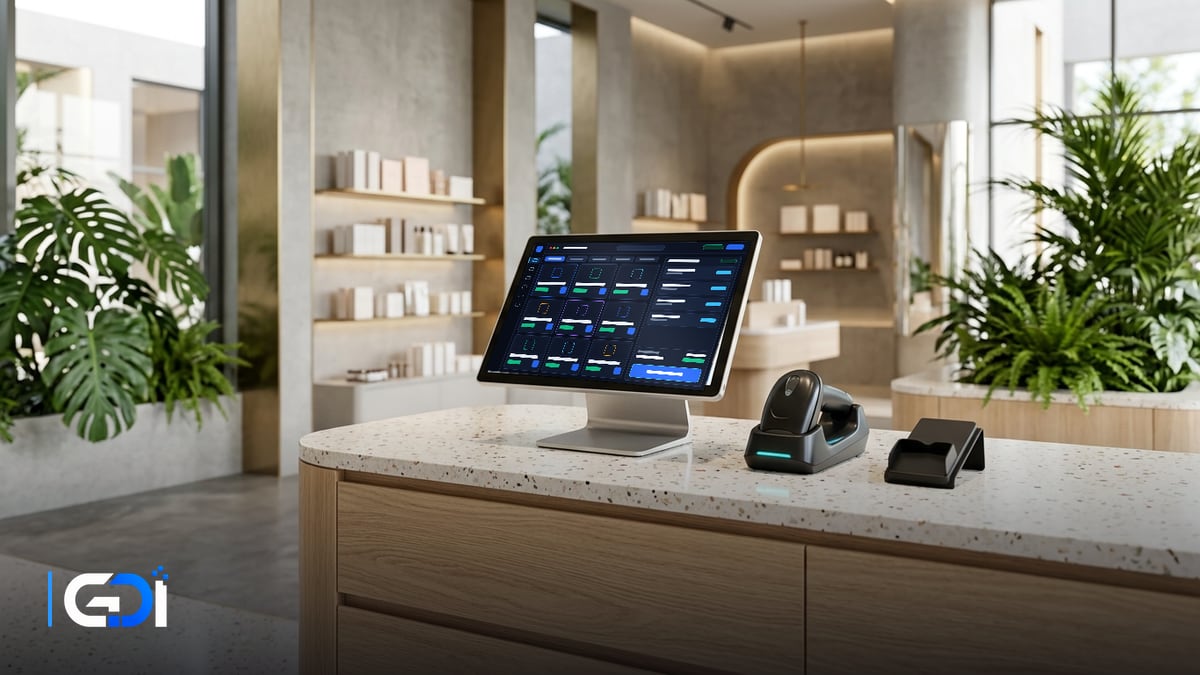
A multi-outlet POS system lets every outlet sell from one product catalogue and price list while head office sees sales, stock and staff performance across all of them in one place. For Singapore retailers and chains, the hard parts are stock transfers, central pricing and promotions, and keeping online and in-store stock in step.
General guidance as at 21 October 2026.
What changes when you go from one outlet to several?
With one outlet the POS is a till; with several it becomes the backbone of stock, pricing and reporting.
| Area | One outlet | Several outlets |
|---|---|---|
| Products and prices | Set on the till | One central catalogue, with outlet exceptions |
| Promotions | Applied by staff | Scheduled centrally, with outlet and date rules |
| Stock | Counted in one place | Per outlet, plus transfers and goods in transit |
| Purchasing | Order when low | Central or outlet ordering, with reorder levels per outlet |
| Staff | Shared login | Roles and permissions per person, across outlets |
| Reporting | Daily closing | Per outlet and combined, comparable week by week |
Which features matter most for a retail chain?
- Central catalogue with variants (sizes, colours) and barcodes, so every outlet scans the same item.
- Stock transfers with approval, so goods are never in two places at once.
- Reorder levels per outlet and purchase orders that update stock on receipt.
- Promotions and member pricing controlled centrally, with clear start and end dates.
- Returns and exchanges across outlets, if customers may return items anywhere.
- Reports by outlet, product and hour, with data you can export.
- A clean link to accounting, so daily sales post without re-keying.
What about online and in-store stock?
Decide early whether your web store shares outlet stock or holds its own. Shared stock avoids selling what you do not have, but it depends on a reliable, frequent sync between the POS and the web store. Ask how often stock updates, what happens when the sync fails, and which system wins if the numbers disagree.
Off-the-shelf POS or custom build?
Use an established retail POS for the counter, and build custom pieces only where your process is different. Common custom additions for chains are a central stock and transfer system, links to a warehouse or e-commerce platform, and management dashboards that combine POS, online and accounting data. Our guide to building vs buying business systems covers how to decide.
How do you roll out a multi-outlet POS?
- Clean the product list: one code per item, consistent names, variants and barcodes.
- Count stock at every outlet on the same day before switching over.
- Set up roles, outlets and price rules; test a transfer and a return end to end.
- Pilot at one outlet for a week, then roll out to the rest.
- Review the first month’s reports with each outlet manager.
How GDI Solutions helps retail chains
We supply and install POS terminals, printers and scanners on a reliable network, and connect the POS to payments and inventory. Around the POS we build what chains outgrow first: central stock and transfers, links to your web store and accounting software, and dashboards that compare outlets week by week.
See our POS, CCTV & security systems, e-commerce development and custom software services, read our F&B POS guide, or start a project.
Frequently asked questions
What is a multi-outlet POS system?
A POS set-up where every outlet sells from one shared product catalogue and price list, and sales, stock and staff data flow to one central place. Head office sees each outlet and the whole business without collecting spreadsheets.
When should a retailer move to a multi-outlet POS?
Usually when you open a second outlet, or when stock counts, prices or promotions start to drift between outlets. Moving before the second opening is easier than merging two separate set-ups later.
Can a multi-outlet POS handle stock transfers between outlets?
Good ones can: a transfer is recorded as leaving one outlet and arriving at another, so stock is never double-counted. Ask whether transfers need approval and how goods in transit are shown.
How does online selling fit in?
If you also sell online, decide whether the web store shares stock with the outlets or holds its own. Shared stock prevents overselling but needs a reliable sync; ask how often stock updates and what happens if the sync fails.
Want a fixed quote for your project?
Describe what you need built. GDI replies in writing, usually within one business day, and a fixed price follows a short scoping call.
Start a project brief