
Delivery & Dispatch Software in Singapore: A Guide for SMEs
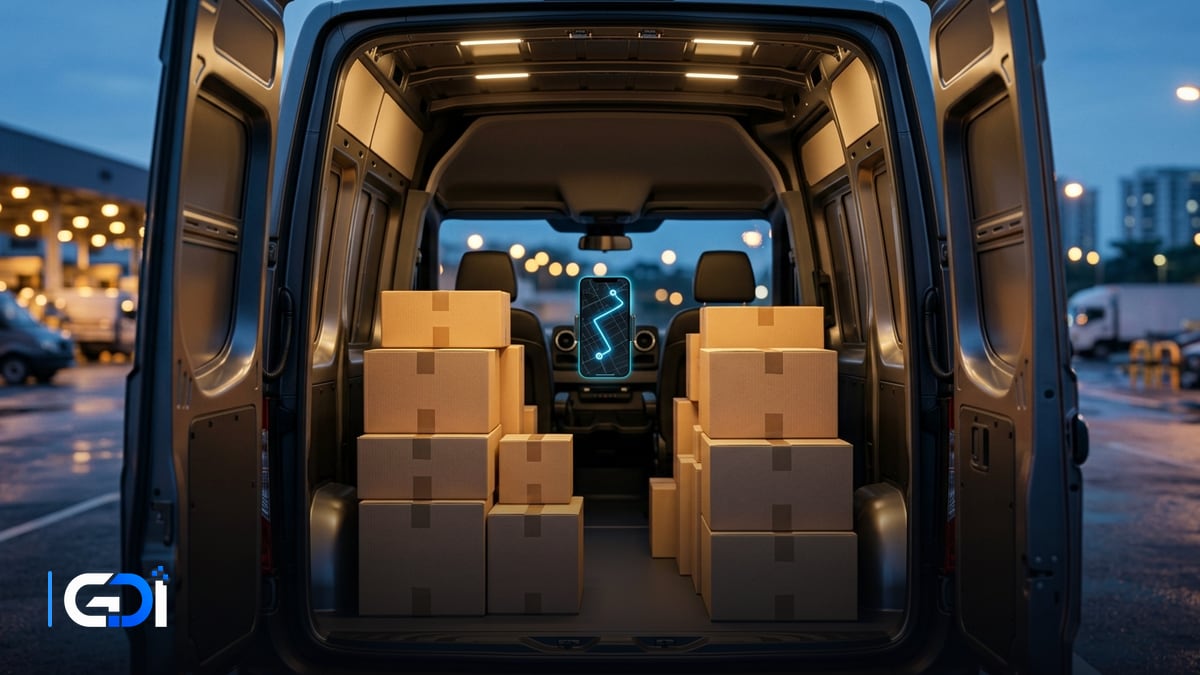
Delivery and dispatch software plans routes, assigns jobs to drivers, sends stops to their phones and records proof of delivery. For Singapore businesses running their own vans or riders, it cuts failed deliveries and planning time, and answers “where is my order?” before the customer has to ask.
General guidance as at 21 October 2026.
What should a delivery system do?
It should take orders in, plan and assign routes, guide drivers, and prove each delivery.
| Stage | System does | Instead of |
|---|---|---|
| Orders in | Imports orders from your online store, ERP or a spreadsheet | Copying addresses by hand |
| Route planning | Groups stops by area and time window | Planning on a map each morning |
| Assignment | Allocates routes to drivers and vehicles | Messages to each driver |
| Driver app | Stop list, navigation link, customer contact | Printed delivery lists |
| Proof of delivery | Photo, time, location, name or signature | Signed paper copies |
| Customer updates | Automatic messages with an estimated time | Calls to the office |
Which features matter most in Singapore?
- Accurate addresses: postal codes, block and unit numbers, and delivery notes for condos and offices.
- Time windows for offices, malls and loading bays.
- Failed-delivery handling: reason codes and easy rescheduling.
- Cash or PayNow on delivery, if you collect payment at the door.
- Reports by driver, route and on-time rate.
What about drivers’ and customers’ data?
Addresses, phone numbers, photos and driver locations are personal data, so collect only what you need and limit access. Track driver location during work hours only, keep proof-of-delivery photos focused on the goods, and set how long records are kept. The PDPC’s Protection Obligation applies: “Reasonable security arrangements have to be made to protect the personal data in your organisation’s possession”.
Off-the-shelf or custom?
Established delivery apps suit standard parcel routes; custom systems suit unusual rules or tight links to your own systems. Custom work makes sense for scheduled deliveries tied to production, installation jobs that mix delivery and service, or when orders and delivery status must sync with your own ERP and invoicing.
How GDI Solutions helps
We build and connect delivery workflows: orders flowing in from your store or ERP, route assignment, a driver app with proof of delivery, automatic customer updates, and delivery status flowing back into invoicing. Where an established product fits, we set it up and integrate it rather than rebuild it.
See our custom software and mobile app development services, read our e-commerce fulfilment guide, or start a project.
Frequently asked questions
What does delivery management software do?
It takes delivery orders, groups them into routes, assigns them to drivers, gives each driver the stops on a phone, and records proof of delivery with a photo or signature. The office sees progress live and customers can be updated automatically.
Is it worth it for a small fleet?
Usually once you run more than a couple of vehicles or many stops a day. The savings come from fewer failed deliveries, less time planning routes by hand and fewer calls asking where a delivery is.
What is proof of delivery?
A record that a delivery was completed: the time, location, a photo of the goods at the door, and often the recipient's name or signature. It settles disputes and lets you invoice with confidence.
Can it work with our own order system?
Yes, if both systems can exchange data. Orders flow in from your e-commerce or ordering system, and delivery status flows back so customers and staff see the same information.
Want a fixed quote for your project?
Describe what you need built. GDI replies in writing, usually within one business day, and a fixed price follows a short scoping call.
Start a project brief