
Field Service Management Software in Singapore: What to Look For
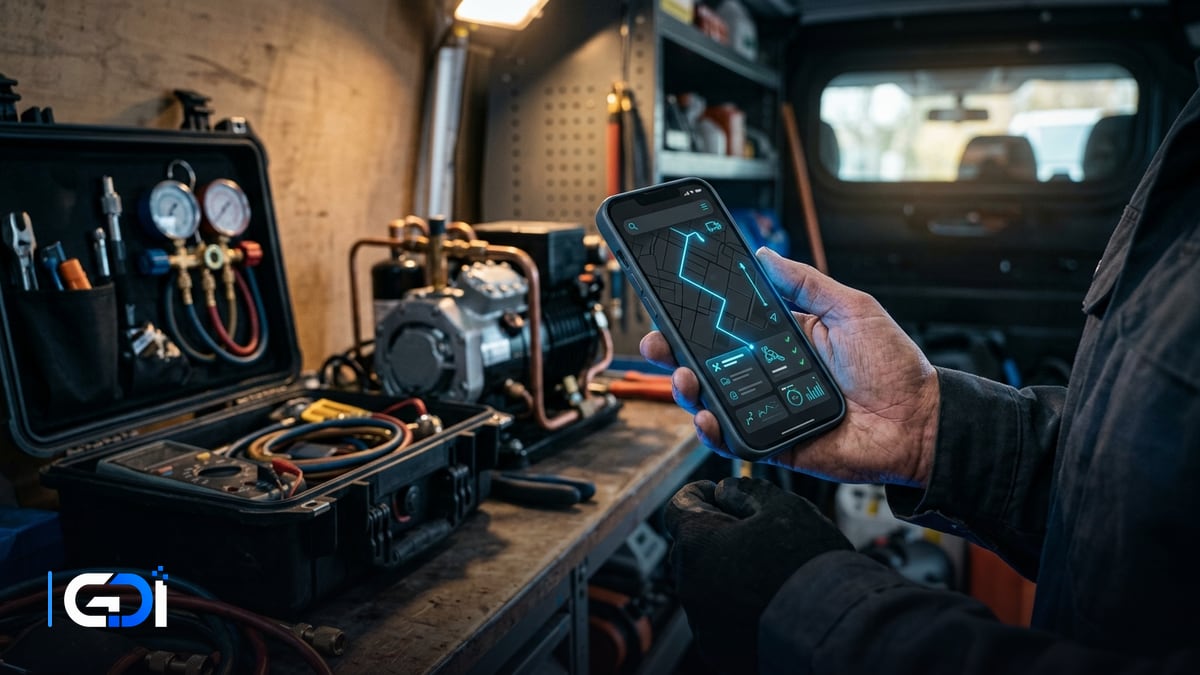
Field service management software runs on-site work from booking to payment: schedule the job, dispatch the right technician, give them the details on their phone, capture photos and the customer’s signature, and invoice the same day. For Singapore service businesses, the payoff is fewer missed appointments, faster invoicing and a record of every visit.
General guidance as at 21 October 2026.
What should a field service system do?
Cover the whole job cycle, from the customer’s first request to the paid invoice.
| Stage | System does | Instead of |
|---|---|---|
| Booking | Job created from a web form, WhatsApp or phone call | Notes on paper or in chats |
| Scheduling | Calendar of technicians by skill, area and availability | A whiteboard and phone calls |
| Dispatch | Job details and address sent to the technician’s phone | Messages forwarded by hand |
| On site | Checklists, photos, parts used and signature | Paper job sheets |
| Invoicing | Invoice issued from the completed job, with PayNow | Typed up days later |
| Follow-up | Next service date scheduled automatically | Customers forgotten until they call |
Which features matter most?
- A technician app that works with poor signal, syncing when back online.
- Service contracts with recurring schedules, for maintenance customers.
- Parts and stock used per job, so van stock and costs are tracked.
- Customer and site history: past visits, photos and equipment details.
- Same-day invoicing and payment status visible to the office.
- Reports by technician, job type and customer.
What about customer data and photos?
Treat job photos and customer addresses as personal data where they identify people. Limit who can see them, avoid photographing people or documents you do not need, and remove data you no longer need. The PDPC’s Protection Obligation applies: “Reasonable security arrangements have to be made to protect the personal data in your organisation’s possession”.
How do you roll it out?
- Map one job type end to end, including who does what and which forms are used.
- Load customers, sites and service contracts.
- Pilot with two or three technicians for two weeks.
- Connect invoicing and payments once job completion is reliable.
- Roll out to the whole team, then add recurring schedules and reports.
How GDI Solutions helps service businesses
We build and connect field service systems: booking from forms and WhatsApp, scheduling and dispatch, a technician app with checklists, photos and signatures, and same-day invoicing with PayNow. Where an established product fits, we set it up and connect it to your accounting and stock instead of building from scratch.
See our custom software and mobile app development services, read our CRM guide, or start a project.
Frequently asked questions
What is field service management software?
Software that runs on-site work end to end: taking the job, scheduling and dispatching a technician, giving them the job details on a phone, capturing photos, checklists and the customer's signature, and turning the completed job into an invoice.
Which businesses in Singapore use it?
Any business that sends staff to customers' sites: aircon servicing, cleaning, pest control, renovation and repairs, IT support, security installation and equipment maintenance.
What is the first thing to automate?
Usually the hand-off from completed job to invoice. When technicians finish a job on their phone with photos and a signature, the invoice can be issued the same day instead of waiting for paperwork.
Do we need a custom system?
Not always. Established products cover common trades well. Custom work makes sense for maintenance contracts with unusual schedules, multi-site customers, or when jobs must flow into your own ERP, stock and accounting.
Want a fixed quote for your project?
Describe what you need built. GDI replies in writing, usually within one business day, and a fixed price follows a short scoping call.
Start a project brief